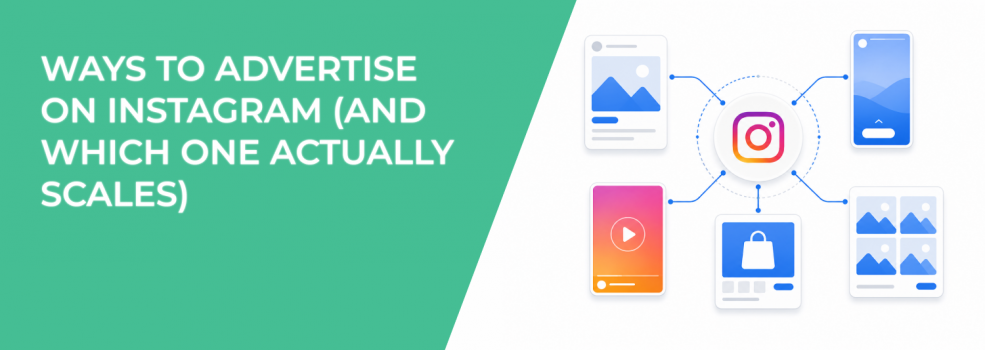
Instagram gives you several ways to run ads, but they don’t perform equally.
Most advertisers begin by boosting posts directly from the app. That works for quick visibility. It stops working when you try to control CPA or scale spend.
The real difference between these methods is not convenience. It’s how much control you have over delivery, targeting, and optimization.
The Cost Layer Most Advertisers Overlook
If you’re boosting posts from the Instagram iOS app, you may be paying more without realizing it.
Apple applies a service fee on in-app payments in many regions. This fee is calculated before taxes and sits on top of your ad spend. It doesn’t improve delivery or performance in any way.
In campaign data, this usually doesn’t show as a clear line item. Instead, you feel it indirectly through higher costs.
You might notice that:
- CPM looks slightly higher than expected compared to similar campaigns run from desktop.
- CPC increases even when creative and audience remain unchanged.
- CPA rises over time, especially on campaigns that depend on consistent cost efficiency.
Switching to browser-based tools removes this layer. The performance stays the same, but your cost structure improves.
Boosting Posts Inside the Instagram App
Boosting from the app is designed for speed. You select a post, choose a goal, and launch within minutes.
It works well when you need immediate reach or want to validate whether a piece of content resonates.
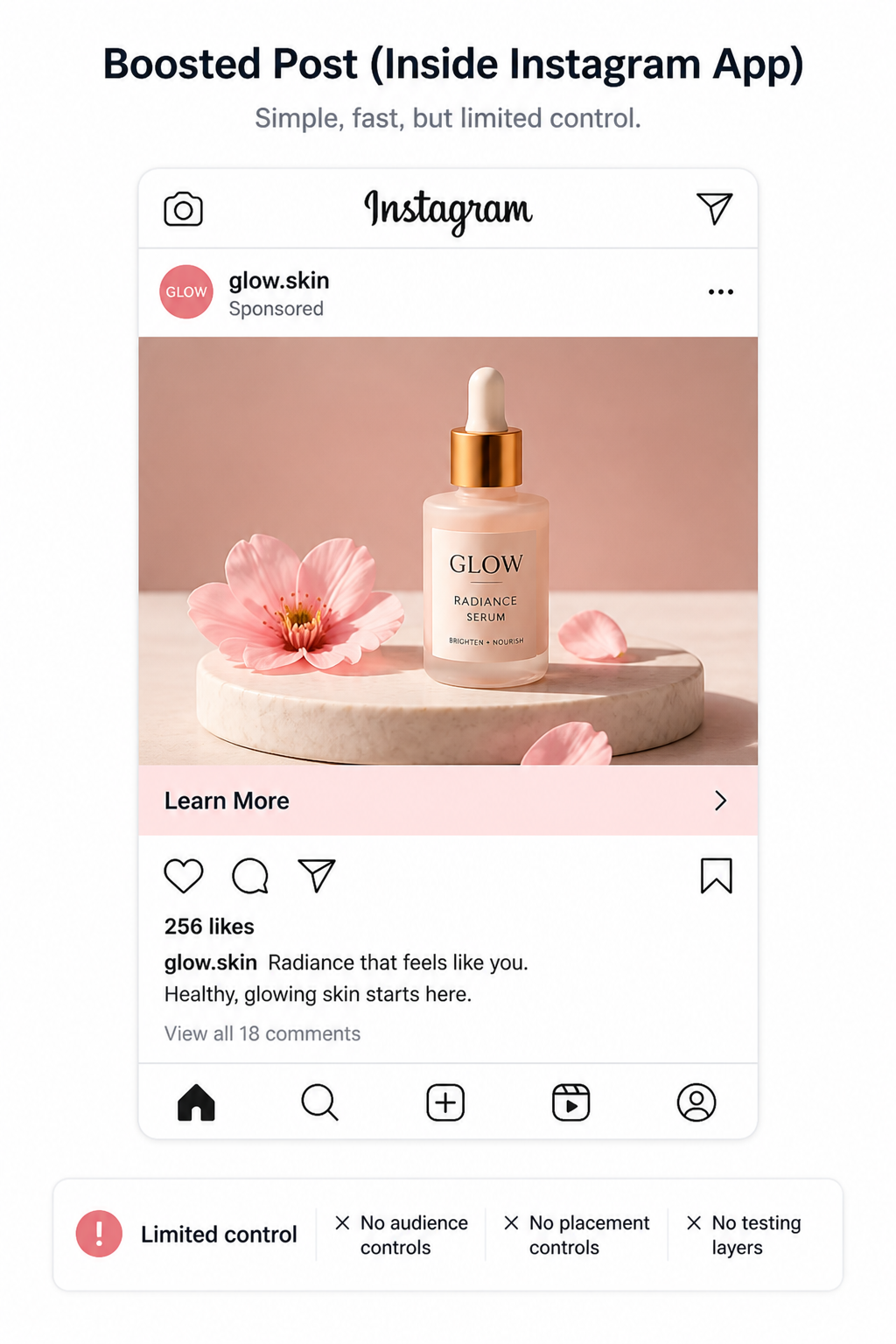
You can promote different types of content directly:
- Feed posts, which are useful for simple offers or announcements but often lack depth for conversion-focused campaigns.
- Reels, which can generate large reach quickly but tend to prioritize entertainment signals over purchase intent.
- Stories, which capture attention but require very strong creative to drive action before users swipe away.
- Partner content, which extends reach through collaborations but depends heavily on the partner’s audience quality.
The limitation is not in what you can promote. It’s in how little control you have.
Audience targeting is largely automated. Placement selection is handled by the system. You don’t get full visibility into how budget is distributed.
As a result, you often see patterns like strong reach and engagement, but weak downstream performance when trying to convert that attention into revenue.
Boosting from Instagram.com: Same Mechanics, Better Efficiency
Using instagram.com instead of the mobile app gives you the same boosting functionality, but without the added platform fee.
The setup flow remains simple. You still rely on automated targeting and limited optimization controls.
The difference shows up over time, especially in campaigns that run continuously. Costs stay closer to what you expect based on auction dynamics, rather than being inflated by external fees.
Even with that improvement, the structural limitation remains. Boosting is still a simplified tool.
Running Ads from a Facebook Page
When your Instagram account is connected to a Facebook Page, you can create ads from the Page interface.
This introduces more flexibility than boosting inside Instagram. You can control where ads appear across platforms and apply more structured targeting.
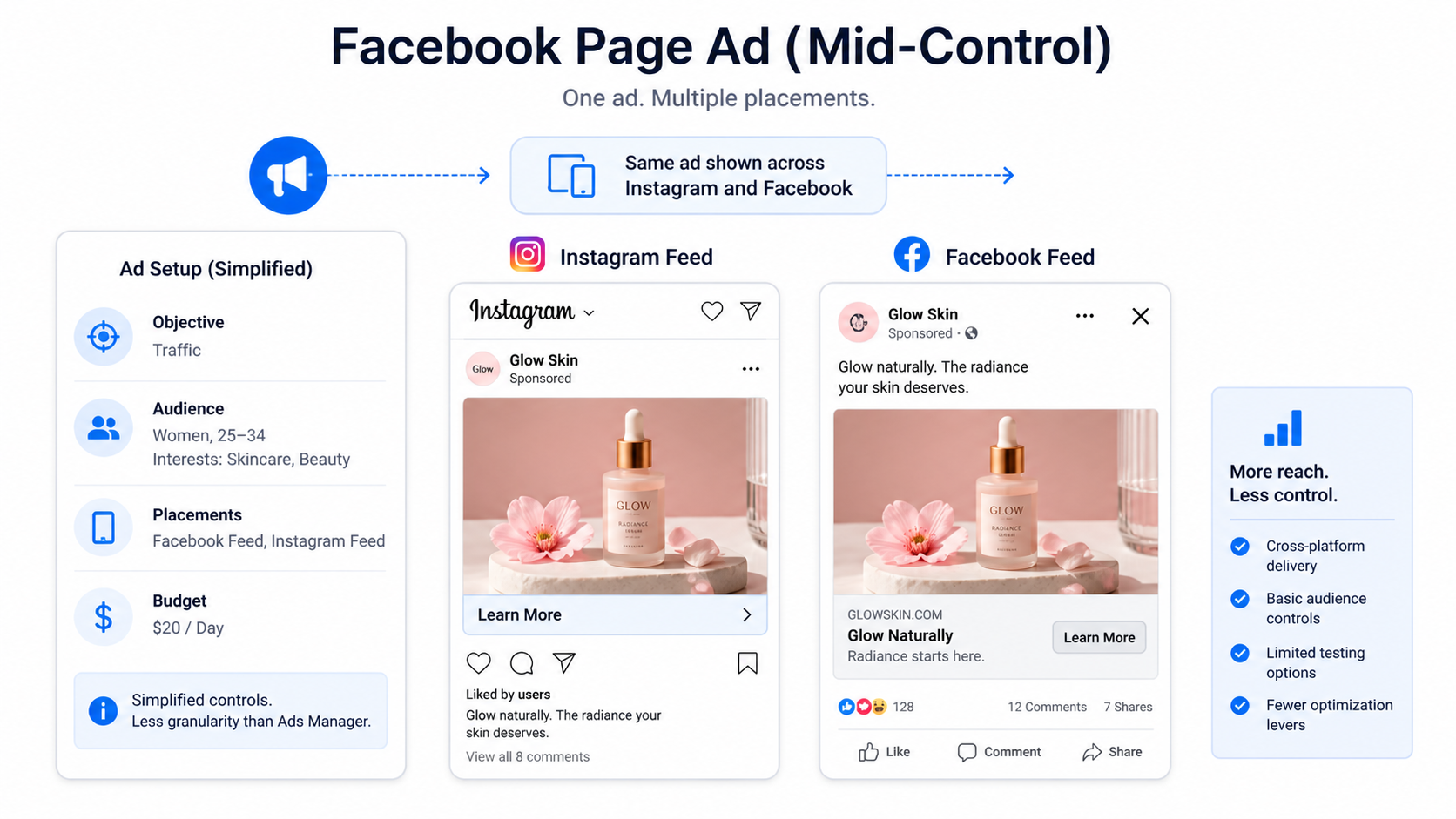
However, it still operates within a simplified environment.
For example, you gain:
- Cross-platform delivery, allowing your ads to appear on both Instagram and Facebook without rebuilding campaigns.
- Basic audience controls, which let you define demographic or interest segments instead of relying entirely on automation.
- Some placement control, though not as granular as in Ads Manager.
At the same time, you still lack deeper testing capabilities and advanced optimization features. Campaigns created this way often plateau once budgets increase.
Using Meta Business Suite for Instagram Ads
Meta Business Suite sits between simplicity and control.
It’s designed for managing content and campaigns across both platforms in one place. For teams handling multiple accounts, it simplifies workflows.
You can:
- Schedule and manage posts across Instagram and Facebook, ensuring consistent publishing.
- Create ads tied to existing content, without leaving the interface.
- Monitor performance metrics in a centralized dashboard, reducing the need to switch tools.
However, when you look at campaign performance closely, limitations appear.
You have fewer options for isolating variables during testing. Budget allocation is less precise. Automation features are present, but not fully configurable.
This makes Business Suite useful for coordination, but not ideal for optimizing campaigns at scale.
Meta Ads Manager: Full Control Over Performance
Ads Manager is where Instagram advertising becomes predictable.
Instead of working with simplified inputs, you define every part of the campaign structure.
You control objective selection, which determines how the system optimizes delivery. You define audiences based on behavior, not just broad categories. You can test creatives systematically and measure performance at each stage of the funnel.
This level of control changes how campaigns behave.
Instead of optimizing for engagement signals, you can optimize for outcomes like purchases, qualified leads, or specific conversion events.
It also allows you to:
- Compare different creatives under the same conditions, making performance differences easier to interpret.
- Control budget distribution across ad sets, preventing inefficient spend allocation.
- Use automation strategically, rather than relying on default settings.
If your goal is stable CPA and scalable ROAS, this is the environment you need.
Why Boosting Stops Working as Budgets Increase
Boosting works well at low spend because the system can find easy wins within broad audiences.
As you increase budget, those easy opportunities disappear. The system begins showing your ads to less responsive users.
You start to see:
- Rising frequency, where the same users see your ads multiple times without converting.
- Increasing CPC, as competition grows within the same audience pool.
- Declining conversion rates, because new users are less aligned with your offer.
Without control over targeting and segmentation, you can’t fix this efficiently.
That’s why advertisers eventually need to move beyond boosting and choose the right ad formats for your campaigns.
How to Transition from Boosting to Scalable Campaigns
The shift from boosting to structured campaigns doesn’t require starting from scratch.
You can use your boosted posts as a testing layer. Identify which content generates engagement or clicks, then rebuild it properly.
A practical transition looks like this:
- Start by identifying posts that consistently generate engagement or clicks, indicating initial market interest.
- Recreate those posts inside Ads Manager as structured ads, adding a clear objective and CTA.
- Align the destination with the ad message, ensuring the user journey is consistent.
- Test variations of creative and targeting, isolating variables to understand what drives results.
This approach allows you to test different ad formats for better performance instead of relying on a single boosted version.
Final Takeaway
Instagram gives you multiple ways to advertise, but only one of them scales reliably.
Boosting is useful for speed and early testing. It lacks the control needed for consistent results.
As your campaigns grow, performance depends on structure. You need control over targeting, placements, and optimization signals.
The method you choose determines how efficiently your budget turns into results.