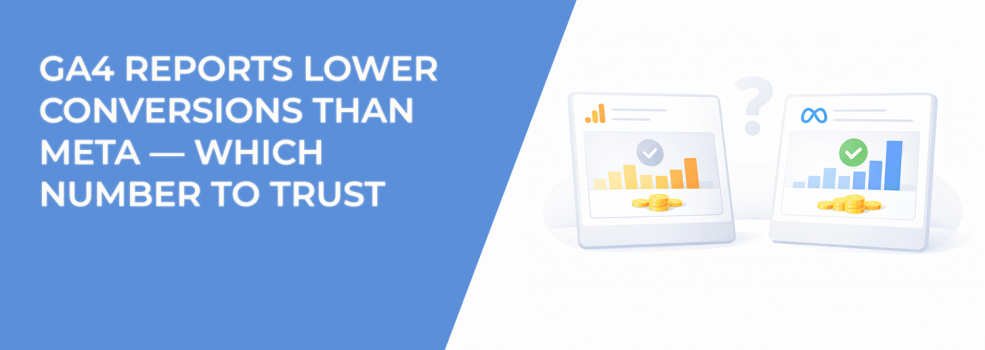
You launch a campaign, Meta shows 120 conversions, and Google Analytics 4 shows 65. Same campaign, same landing page, same time period — different results.
This is normal. It doesn’t mean one platform is wrong. It means they are measuring different parts of the same user journey.
If you understand where the difference comes from, you can stop second-guessing your data and start using it properly.
Meta and GA4 Don’t Measure the Same Thing
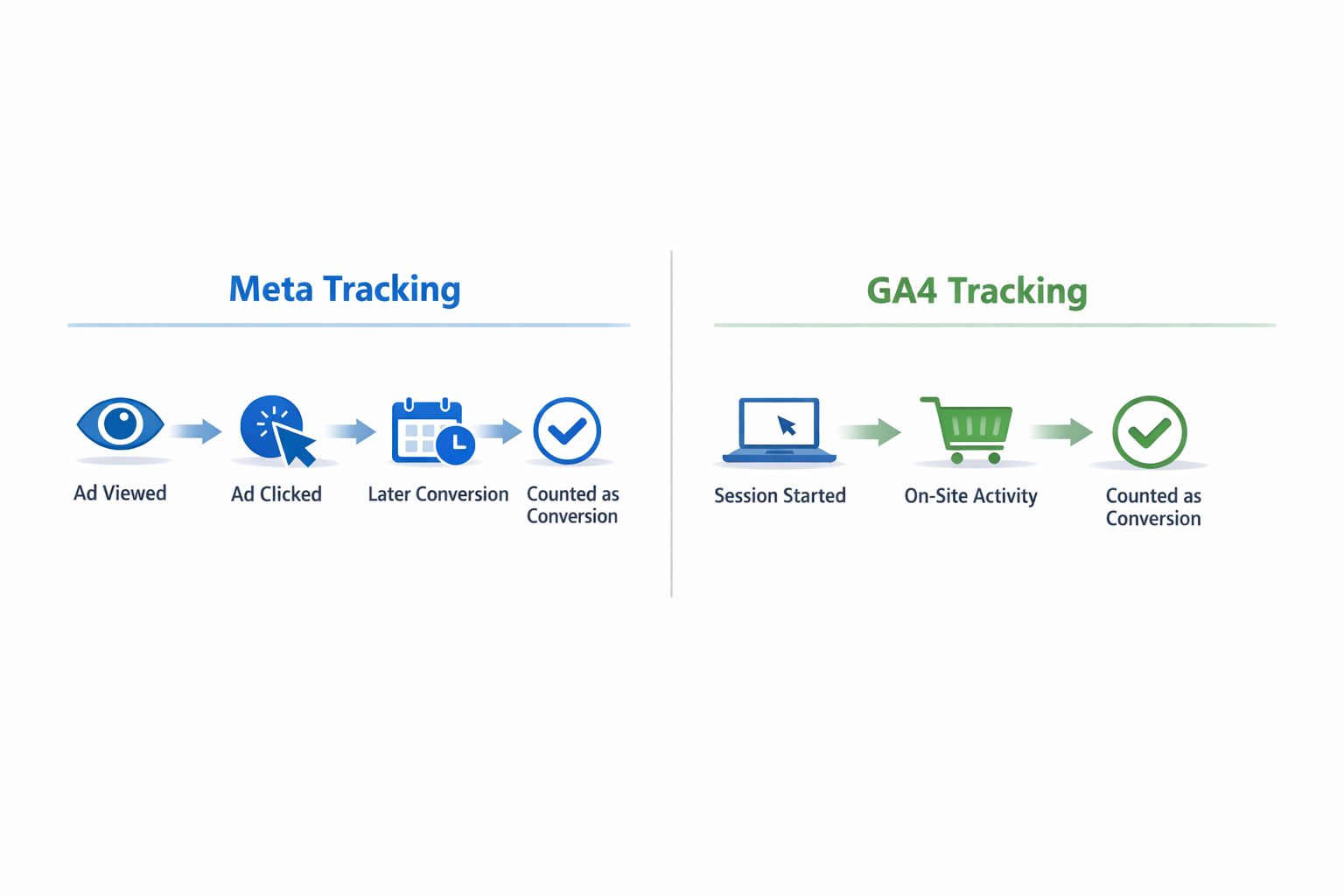
Meta looks at conversions from the ad side. GA4 looks at conversions from the website side.
That creates three clear differences:
-
What counts as a conversion.
Meta can count a conversion if someone saw or clicked an ad and converted later. GA4 only counts what happens during a tracked visit to your site. -
How users are tracked.
Meta uses its own data and modeling across devices. GA4 depends on cookies and sessions, which often break when users switch devices or block tracking. -
What gets attributed to ads.
Meta includes view-through conversions by default, meaning it can give credit even without a click. GA4 usually does not include these.
A simple scenario explains the gap. A user sees your ad, ignores it, comes back two days later through direct traffic, and converts. Meta will often count that as an ad-driven conversion. GA4 will not connect it to the ad at all.
Attribution Settings Create Most of the Difference
Even when both platforms record the same conversion, they don’t assign credit in the same way.
Meta typically uses a 7-day click and 1-day view window. GA4 might use data-driven attribution or last-click, depending on how it’s set up.
Because of that:
-
Meta reports more conversions because it captures earlier and indirect interactions.
-
GA4 reports fewer conversions because it focuses on the final, trackable interaction.
The gap becomes more visible when:
-
your campaigns focus on awareness or prospecting;
-
users don’t convert immediately;
-
multiple touchpoints happen before conversion.
If you want a deeper breakdown of how attribution windows affect results, see Attribution Windows Explained: How to Measure True Ad Impact.
Some Conversions Are Missing From GA4
Not every difference is about attribution. Some conversions simply don’t get tracked in GA4.
This usually happens in predictable situations:
-
iOS users with tracking restrictions.
Sessions break more often, so conversions don’t get linked back to the original source. -
Cross-device journeys.
Someone clicks an ad on mobile and converts later on desktop. GA4 often treats these as two separate users. -
Privacy-focused browsers.
Short cookie lifetimes interrupt the session, which breaks attribution.
Meta fills some of these gaps using modeled data. GA4 does not. That’s why Meta numbers tend to be higher even when everything is set up correctly.
If you want to see how these mismatches appear in practice, read Why Your Facebook Ads Manager Data Never Matches Shopify or GA4.
You Shouldn’t Choose One Source of Truth
A common mistake is trying to decide which platform is “correct.”
That’s the wrong question. Each platform answers a different one:
-
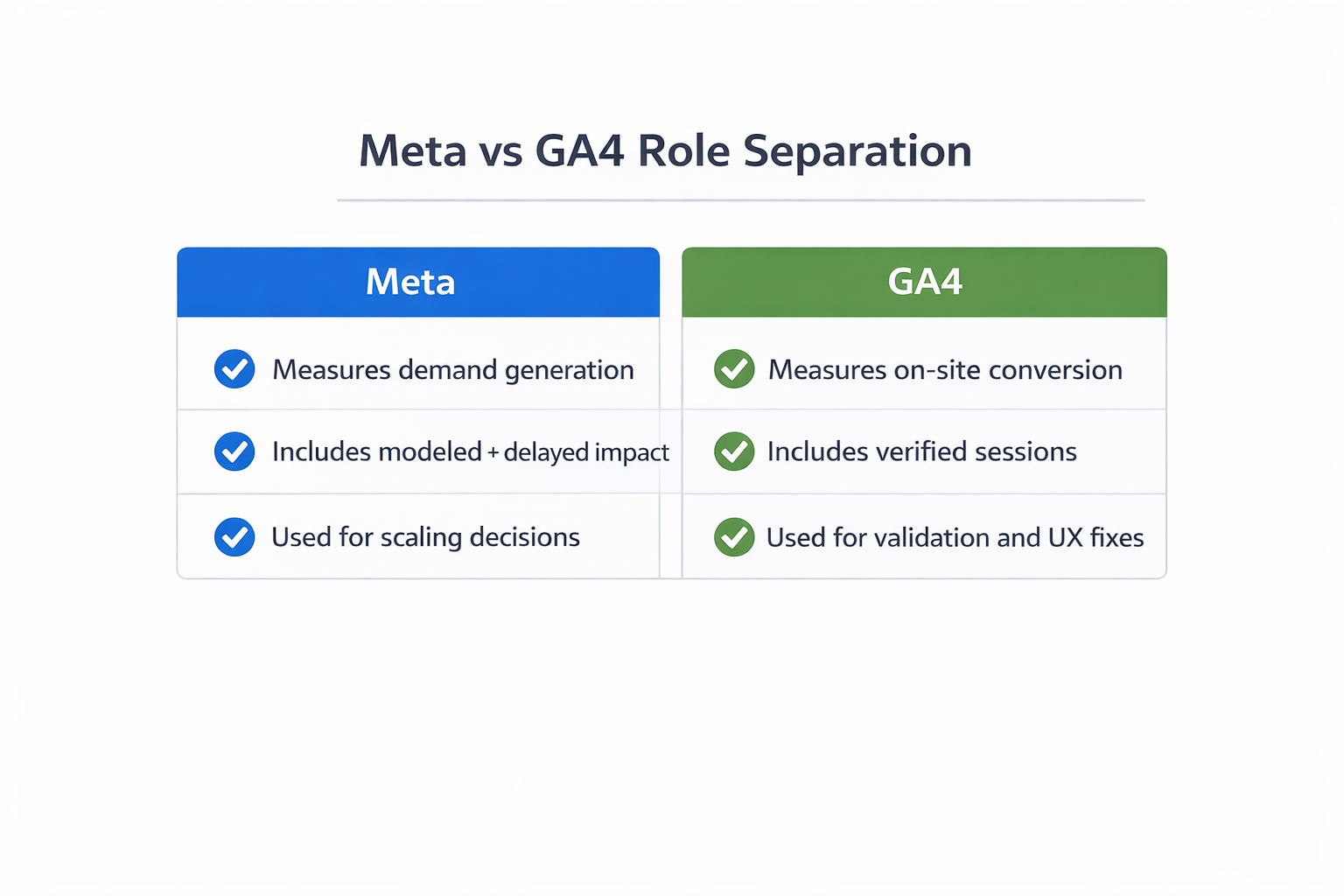
Meta tells you how much impact your ads are generating, including delayed and indirect conversions.
-
GA4 tells you how many conversions you can directly verify on your site.
If you rely only on GA4, you’ll likely undervalue campaigns that build demand but convert later. This often leads to cutting prospecting campaigns too early.
If you rely only on Meta, you may overestimate performance and ignore issues like poor lead quality or weak landing pages.
The real value comes from combining both views.
How to Work With Both Numbers
Instead of trying to align the numbers, use the difference between them as a signal.
A practical approach looks like this:
-
Track the ratio between Meta and GA4.
For example, if Meta shows 120 conversions and GA4 shows 70, your ratio is about 1.7. This becomes your baseline. -
Watch how that ratio changes.
If it suddenly increases, something has shifted. That could be tracking issues, weaker traffic, or more view-through influence. -
Compare campaign types.
Prospecting campaigns usually show a bigger gap. Retargeting campaigns should be closer between platforms. -
Validate with downstream metrics.
Look at CRM data, qualified leads, or revenue. If Meta increases but those don’t, the lift may not be real. -
Use each tool for a specific purpose.
Use GA4 to find drop-offs and on-site issues. Use Meta to understand whether your ads can scale demand.
If you’re working with multiple touchpoints, this aligns with the idea behind Multi-Touch Attribution: Simple Setup Guide.
Where Teams Usually Go Wrong
The biggest problems don’t come from the tools. They come from how teams react to the data.
Common mistakes include:
-
Pausing campaigns because GA4 looks weak.
This often stops campaigns that are still influencing conversions later in the funnel. -
Scaling too aggressively based on Meta results.
This is especially risky in lead generation, where not all conversions are valuable. -
Ignoring attribution settings.
Comparing numbers without aligning attribution windows makes the gap look worse than it is. -
Focusing on the wrong metrics.
Teams often track surface-level metrics without connecting them to real outcomes. For a deeper look, see The Most Misunderstood Metrics in Facebook Ads Manager.
When you see a mismatch, the goal is not to fix the numbers. The goal is to understand what they’re telling you.
The Practical Takeaway
Meta and GA4 measure different parts of the same process. Meta shows how your ads influence users over time.
GA4 shows what users actually do on your site.
You don’t need them to match. You need them to point you in the right direction. When both numbers move up, performance is improving. When they start to diverge, something changed in attribution, tracking, or traffic quality.
That gap is not a problem. It’s one of the most useful signals you have.