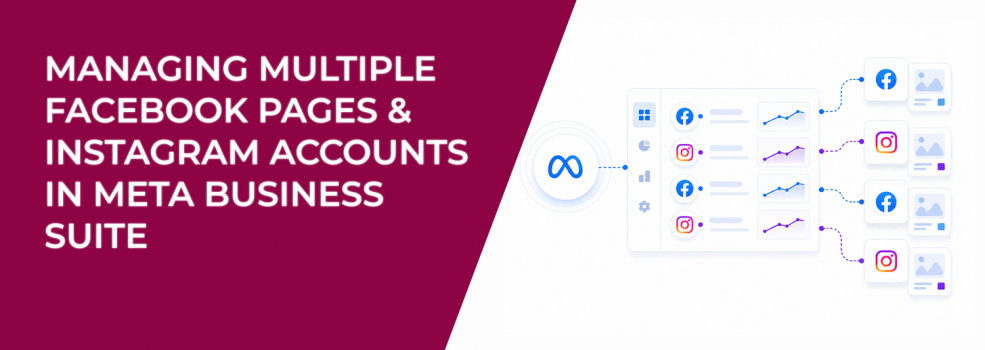
Meta Business Suite lets you manage multiple Facebook Pages and Instagram accounts from one place. That sounds like a clean operational win.
But for advertisers, it introduces a structural problem.
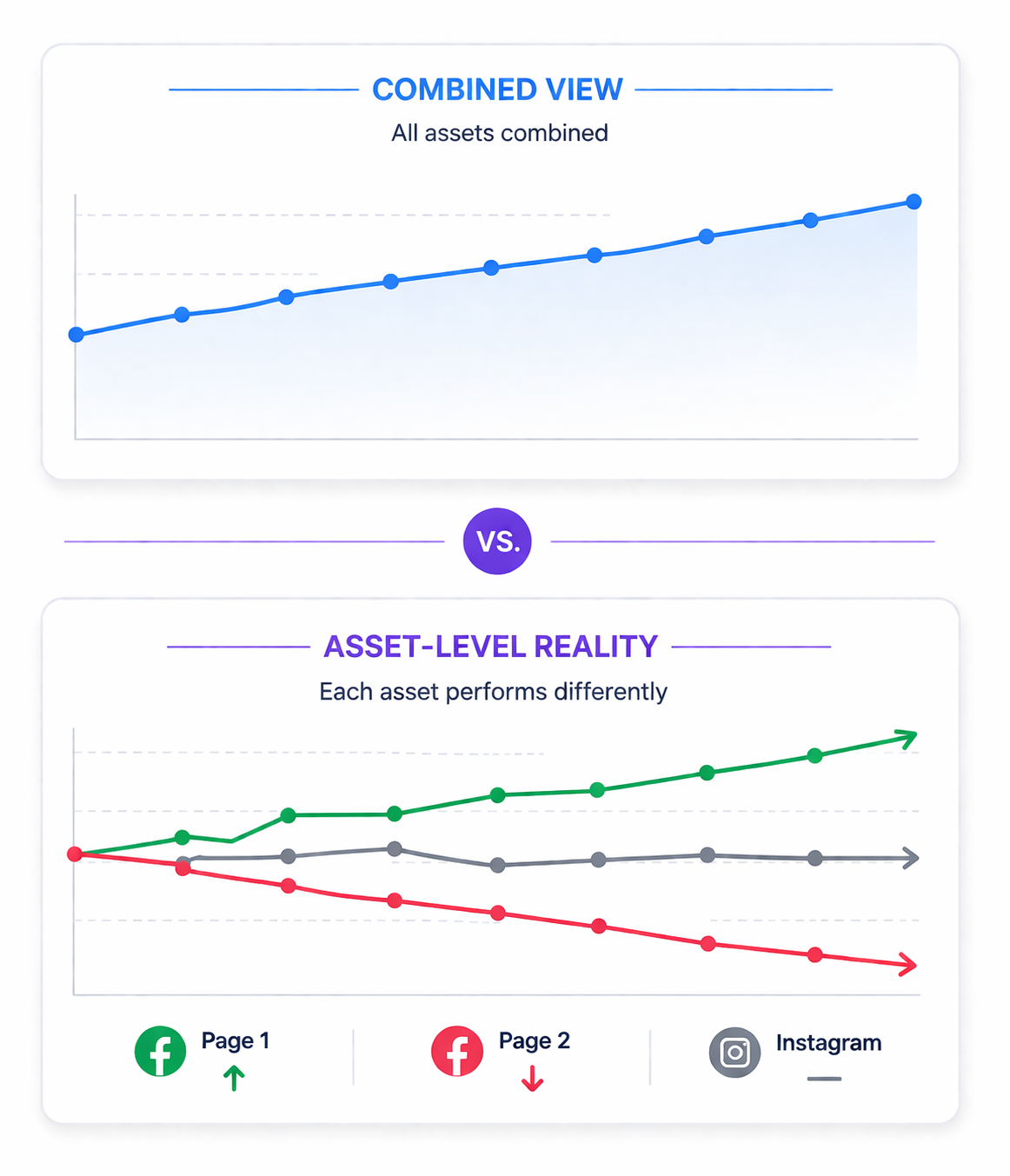
You see combined performance, while Meta optimizes delivery at the individual asset level.
That mismatch creates blind spots in reporting, budget allocation, and scaling decisions.
What “managing multiple assets” actually means in Meta
Inside Meta Business Suite, Pages and Instagram accounts are treated as business assets within a single portfolio.
You can manage several assets at once, but only in specific areas:
- Content. You can publish and review posts, stories, reels, and A/B tests across selected assets.
- Insights. You can compare performance metrics such as video retention, loyalty, and earnings.
- Monetisation. You can review policy issues and monetisation status across accounts.
Some limitations matter:
- Multi-asset selection is not available on the Home dashboard.
- Asset selection must be done manually using the dropdown.
- Connected Instagram and Facebook accounts are grouped as one asset.
This creates a hybrid system — part centralized, part fragmented.
The hidden limitation — shared view doesn’t mean shared signals
Meta combines reporting views, but it does not merge learning signals.
Each Page or Instagram account still:
- Builds its own engagement history.
- Feeds its own data into the algorithm.
- Competes independently in auctions.
This means aggregated Insights show results, not causes. You might see stable overall performance while one asset is declining and another is compensating for it.
Why this affects campaign performance
Meta’s delivery system relies on consistent behavioral signals.
When those signals are split across multiple assets, performance becomes less predictable.
You’ll often see:
- Longer learning phases. Each asset collects data more slowly.
- Higher CPM. Similar assets compete for the same audience.
- Inconsistent CPA. Conversion efficiency varies between accounts.
- Unstable scaling. No single asset accumulates strong enough signals.
A common pattern: one Instagram account drives most engagement, while others underperform. Aggregated reporting hides the imbalance.
Business impact — where inefficiency shows up
This issue rarely looks like a technical error. It shows up in performance drift.
Typical effects include:
- Higher CPA. Campaigns relearn similar audiences across assets.
- Lower ROAS. Signals are diluted instead of concentrated.
- Wasted budget. Spend is distributed to weaker assets.
- Slower optimization. Decisions rely on incomplete visibility.
Over time, these small inefficiencies compound into noticeable performance loss.
Typical scenarios where this creates problems
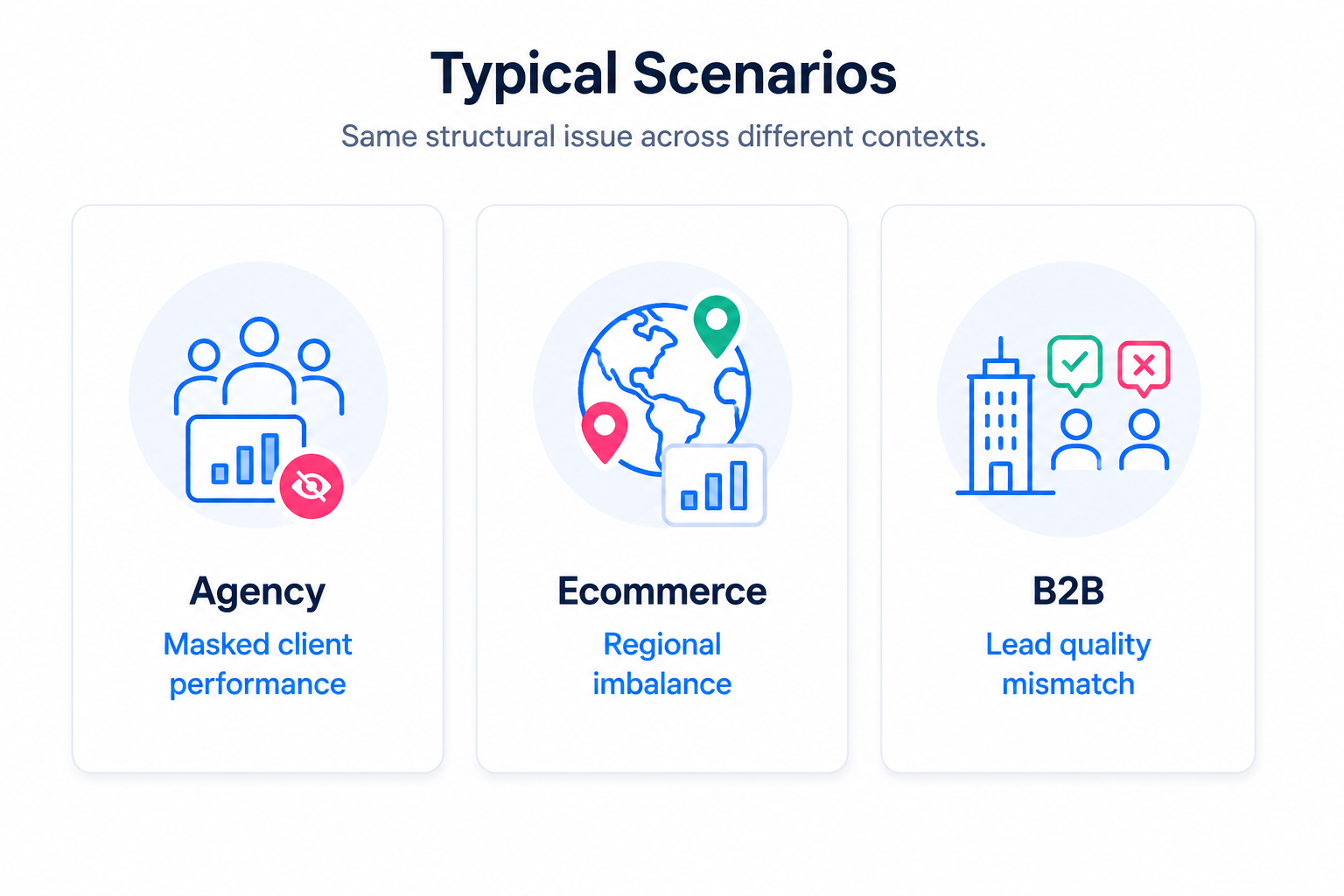
Agencies managing multiple clients
Agencies often review performance across several accounts at once. This makes reporting faster, but it introduces bias.
A strong-performing client can mask weaker accounts inside aggregated metrics. The team may delay optimization because the overall numbers look stable.
This becomes more visible when clients share similar audiences or regions.
Ecommerce brands with multiple regional accounts
Brands often split accounts by country, language, or product line.
This creates a situation where:
- One region drives strong conversions.
- Another struggles with high CPC or low engagement.
When viewed together, the weaker region stays hidden. Budget decisions become less precise.
B2B marketers segmenting by niche
Separate Pages are often used for different industries or verticals.
This improves messaging relevance, but fragments data.
One Page may attract high-intent decision-makers, while another attracts low-quality leads. If combined, engagement metrics can look strong while pipeline quality drops.
Creators or brands managing multiple content accounts
Content performance varies widely between accounts.
One Page may drive retention and engagement. Another may drive clicks or conversions.
When viewed together, it becomes unclear which asset should be scaled or monetized.
Risks and considerations
Before relying on multi-account management, check the structural risks.
- Grouped assets can hide performance differences.
A Facebook Page and Instagram account may appear as one asset, even if results differ. - Saved selections can distort analysis.
Meta remembers selected assets across tools. You may analyze incomplete data without noticing. - Tool limitations break consistency.
Some sections support multiple assets, others don’t. - Audience overlap increases competition.
Similar assets targeting the same users can raise CPM and reduce efficiency.
To understand this effect better, see how overlapping audiences increase costs.
Prerequisites for effective multi-account management
Before optimizing structure, make sure the foundation is clear.
- A defined audience for each asset.
- Consistent campaign objectives across accounts.
- Proper Instagram and Page connections.
- Clean permissions and ownership structure.
- Reliable conversion tracking.
- Enough volume per asset to generate stable signals.
Without these, aggregation only adds confusion.
Practical recommendations
Treat aggregated Insights as a starting point
Use combined data to detect patterns, not to make final decisions.
A practical workflow:
- Identify changes in key metrics (CTR, CPA, retention).
- Isolate which assets contributed to the change.
- Compare performance against spend distribution.
- Adjust budgets based on asset-level results.
This prevents scaling based on misleading averages.
Audit asset grouping regularly
Connected Facebook and Instagram accounts appear as a single asset.
Check whether:
- Both platforms contribute equally to results.
- One platform dominates engagement or conversions.
- Grouping reflects your actual campaign structure.
If not, treat them as separate optimization units.
Align reporting with delivery structure
Meta optimizes campaigns per asset — not per dashboard view.
Your analysis should reflect that.
Focus on:
- Performance per Page or Instagram account.
- Conversion contribution, not just engagement.
- Consistency between campaign setup and reporting.
For deeper analysis frameworks, see how to analyze campaign performance across assets.
Use centralized publishing, but decentralized evaluation
Publishing across multiple accounts is efficient.
Evaluation should stay granular.
When testing creatives:
- Compare CPC and CTR per asset.
- Track conversion rate differences after click.
- Identify which audience responds best.
This turns distribution into structured testing.
Build asset-level benchmarks
Aggregated metrics hide weak assets.
Define expectations per account:
- Expected CTR range.
- Acceptable CPA levels.
- Engagement benchmarks by format.
Once benchmarks exist, deviations become visible quickly.
Prioritize signal concentration
Stronger signals from fewer assets usually outperform fragmented signals across many accounts.
If several accounts target similar audiences, consider consolidation.
This improves learning speed and stability.
For a deeper explanation, see why audience quality matters more than scale.
Final takeaway
Meta Business Suite makes multi-account management feel unified.
But the underlying system is not.
Content and reporting can be combined — signals and optimization cannot.
Advertisers who separate these layers make better decisions. They allocate budget more precisely, detect issues faster, and scale what actually works.