Blurry Instagram ad images create a quiet performance problem. The ad may still get impressions, but users hesitate before clicking because the visual does not feel clear or trustworthy.
That hesitation matters. Instagram is a fast-scroll environment, and users do not slow down for images that look compressed, pixelated, or hard to read. If the photo cannot carry the message quickly, the campaign pays for attention it cannot fully use.
For advertisers, the result often appears as weak CTR, rising CPC, and lower landing page engagement. The issue is not only that the image looks bad. The bigger issue is that users cannot process the offer with enough confidence to act.
How poor image quality changes user behavior
A sharp image gives the user fast confirmation. They can see the product, understand the scene, and decide whether the offer is relevant. A blurry image interrupts that process.
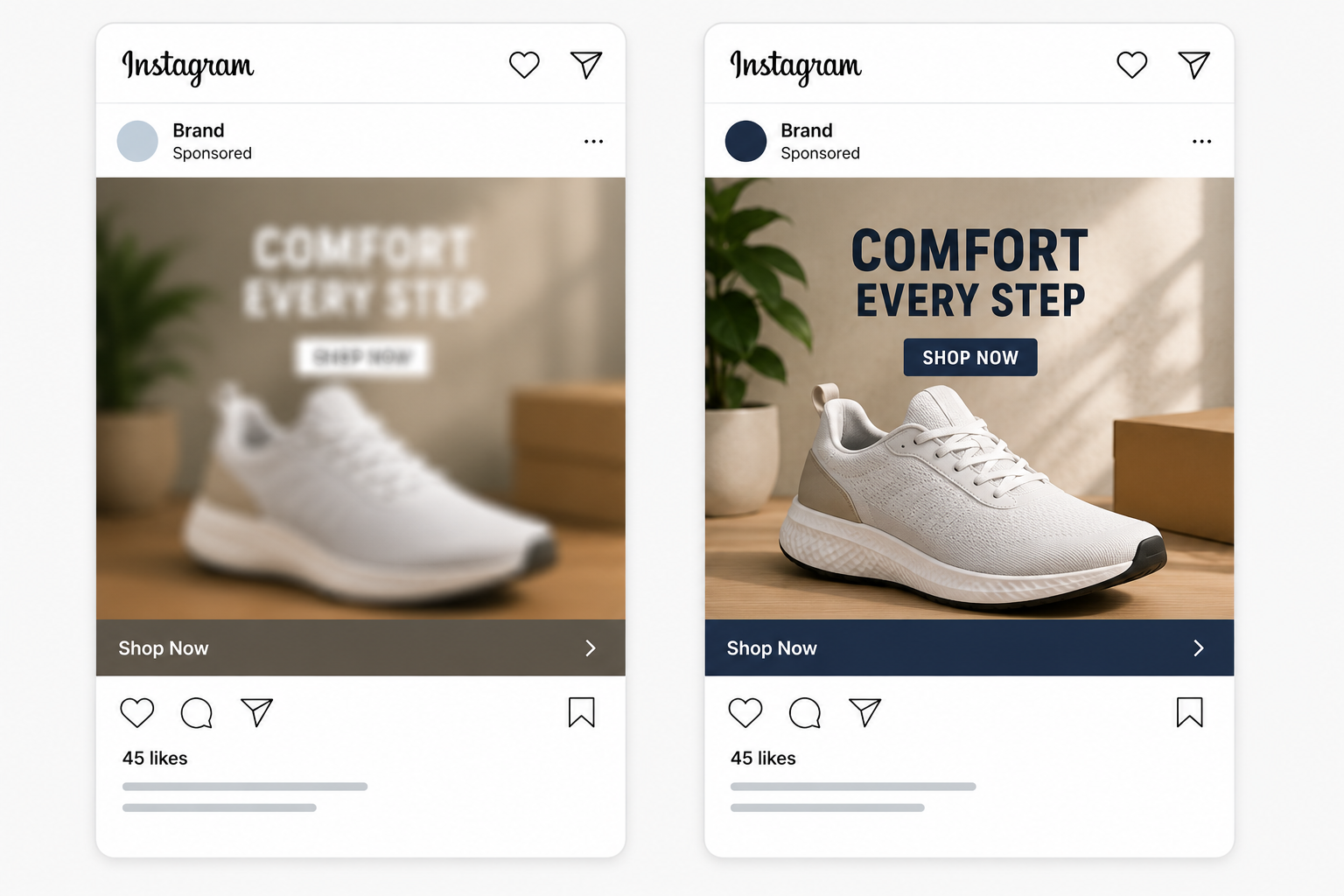
When users hesitate, they may still watch, pause, or engage lightly, but fewer of them click with intent. This can create misleading campaign data. The ad may show reach and impressions, but the traffic signal stays weak.
This is why image quality matters for CPC. If fewer relevant users click, Meta has to serve more impressions to generate the same number of clicks. That can push costs up, especially in competitive placements where better creatives are fighting for the same audience.
Where blurry Instagram ad images usually come from
Low-quality images often enter campaigns through small workflow mistakes. A team may export the wrong file size, reuse compressed social content, or crop an old image into a placement it was not designed for.
The problem gets worse when one asset is forced across Feed, Stories, Reels, and Explore. An image that looks acceptable in one placement can lose clarity when resized for another.
Check these sources before blaming the audience:
- Compressed source files. Images downloaded from messaging apps or old social posts often lose detail before they reach Ads Manager.
- Wrong aspect ratio. A feed image forced into a vertical placement can crop or stretch important details.
- Small text inside the image. Tiny product labels, captions, or screenshots become unreadable on mobile.
- Over-edited visuals. Heavy filters, low contrast, and noisy shadows can make the ad feel unclear even when the file is technically sharp.
If users see the ad but do not click, the issue may not be the offer. It may be that the image gives them too little confidence to continue. This connects closely with cases where Instagram ads get views but no clicks.
Why low-quality images can attract worse traffic
A blurry image can create curiosity clicks from users who want to inspect the ad, not buy or submit a form. That is a problem because Meta reads clicks as engagement, even when the post-click behavior is weak.
For ecommerce, this can mean product page visits with low add-to-cart rates. For lead generation, it can mean form opens without completions. For B2B, it can mean people clicking out of confusion rather than real buying intent.
The campaign may look cheap at the top of the funnel, but CPA becomes unstable later. This is why when to optimize for CTR depends on the quality of the clicks, not only the number.
How to fix image sharpness before launch
Start by reviewing the ad on a mobile screen. Desktop preview can hide quality issues because the image appears larger and cleaner than it does in the feed.
Use the original image file when possible. Avoid screenshots, reposted content, and files saved through chat apps. Export the image in the correct placement size, then check whether the main subject remains clear after upload.
For product ads, zoom in on the detail that matters most. If users need to see texture, packaging, use case, or before-and-after context, the image must show that clearly at feed size. If your product images look flat or hard to read, review why product images may be hurting CTR.
Do not fix blur by adding more text, arrows, or badges. That usually makes the ad harder to process. A sharper image with fewer visual elements is easier for Meta to match with users who respond to clear product signals.
When image quality is not the only issue
A sharp image can still fail if the audience is too broad or low intent. If CPC improves after fixing image quality but conversion quality stays weak, the next problem may be targeting.
This is where LeadEnforce can support the campaign structure. Instead of sending cleaner ads to broad, mixed audiences, advertisers can build more precise segments from Instagram followers, engagers, Facebook groups, or social profile data. Better image quality helps users understand the ad, while better audience inputs help Meta find people more likely to care.
The two problems should not be confused. Image quality affects attention and click confidence. Audience quality affects whether the click has commercial value.
Final takeaway
Blurry Instagram ad images raise costs because they reduce clear intent. Users may see the ad, but they do not get enough visual confidence to click or convert.
Before changing budgets, offers, or campaign structure, check the image file, aspect ratio, crop, and mobile preview. A sharper image will not fix every campaign, but it can remove a major source of wasted impressions and weak clicks.