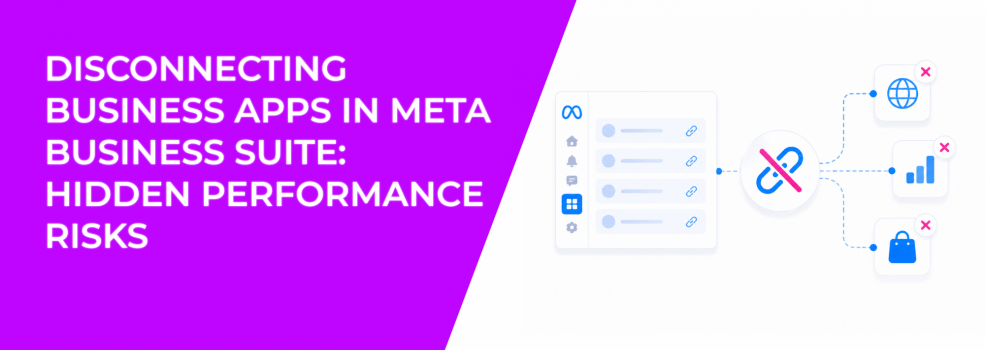
Disconnecting a business app is not just a permission change. It removes a data source from your ad system, which directly affects how Meta tracks and optimizes campaigns.
Once disconnected, the external platform no longer sends data into your business portfolio. That includes conversion events, behavioral signals, and sometimes product or lead data depending on the integration.
In Ads Manager, this often shows up as a sudden drop in tracked conversions. Traffic remains stable, but optimization weakens because the algorithm loses visibility into outcomes.
Why performance drops after disconnecting integrations
Most advertisers expect disconnection to be neutral. In practice, it often creates delayed performance issues that are hard to trace back to the source.
The system reacts in several ways:
- Loss of conversion signals.
If the app was sending purchase or lead events, those signals stop immediately. Campaigns shift toward optimizing for weaker actions like clicks or landing page views. - Audience degradation.
Retargeting pools shrink because fewer events are being recorded. This reduces the effectiveness of mid- and bottom-funnel campaigns. - Learning phase resets.
Campaigns may re-enter learning or become unstable due to inconsistent data inputs. - Mismatch between platforms.
CRM or backend systems may still show conversions, while Meta reports a drop. This creates confusion during optimization.
These changes often appear 24–72 hours after disconnection, which makes the cause less obvious.
When disconnecting a business app makes sense
Not every disconnection is a mistake. There are valid operational reasons to remove integrations, especially when systems change.
Common scenarios include:
- Switching to a new CRM or tracking tool.
Keeping old integrations active can create duplicate or conflicting event data. - Removing unused or outdated apps.
Legacy integrations can introduce noise into your data layer. - Security or access changes.
When agencies or partners change, removing access is necessary to protect assets. - Fixing incorrect integrations.
If the wrong ad account or Pixel was connected, disconnecting is part of the correction process.
The key is not the disconnection itself, but how you handle the transition.
How to disconnect a business app safely
The process inside Meta Business Suite is simple, but timing and preparation matter. Disconnecting without a plan can disrupt active campaigns.
To disconnect a business app:
- Go to Meta Business Suite and open “Business apps.”
This is where all integrations are managed. - Select “Connected apps.”
Review all active integrations before making changes. - Choose the app and click “Manage.”
Confirm which assets are linked to this integration. - Click “More” and select “Uninstall.”
This removes the connection immediately. - Verify disconnection and monitor performance.
Check Ads Manager within the next 24–48 hours for signal changes.
Even though assets like Pixel, Page, or catalogue remain, the data flow from the external platform stops instantly.
What stays after disconnection (and what doesn’t)
Disconnecting an app does not delete your assets. However, it changes how those assets function within your campaigns.
Here’s the practical difference:
- Assets remain active.
Your Facebook Page, Instagram account, Pixel, and catalogue still exist and can be used in campaigns. - Data flow stops.
External platforms no longer send events or updates into Meta. - Historical data stays.
Past campaign performance and event data are still available for analysis. - Future optimization weakens.
Without new signals, Meta relies on outdated or incomplete data.
This distinction is important. Many advertisers assume everything continues working normally after disconnection, which is not the case.
Dependencies you should check before disconnecting
Before removing any integration, you need to confirm that your tracking and access structure will remain intact. Skipping this step often leads to silent performance issues.
Focus on these areas:
- Pixel ownership and tracking setup.
Make sure events will still fire correctly after disconnection. If needed, review how to set up accurate conversion tracking with Meta Pixel. - Business Manager access.
Ensure the right people and systems still have access to assets. Many issues come from permission gaps, so verify how to properly manage permissions across your ad accounts. - Active campaign dependencies.
Check whether current campaigns rely on data from the app being removed. - Alternative integrations.
Confirm that another system will replace the data source if needed.
Without these checks, you risk breaking your optimization layer without realizing it.
How to diagnose issues after disconnection
If performance drops after removing an app, the issue usually appears in tracking consistency rather than delivery.
Watch for these signals in Ads Manager:
- Conversions drop sharply while clicks remain stable;
- CPA increases without changes in CPM or CTR;
- retargeting audiences stop growing;
- event match quality or volume decreases.
If you see these patterns, the disconnection likely removed a critical data source. In that case, you may need to reconnect the app or replace it with a proper tracking setup.
You can also use this moment to diagnose why your campaigns are not converting, especially if performance issues existed before the change.
Final takeaway
Disconnecting business apps in Meta Business Suite is a structural change, not a routine cleanup action. It directly affects how Meta receives data, builds audiences, and optimizes campaigns.
The immediate effect is loss of signals. The delayed effect is rising CPA and unstable performance. Most issues appear after campaigns start relying on weaker optimization inputs.
Before disconnecting anything, map out what data you are removing and how it will be replaced. If you skip that step, performance problems will follow.